


Download the Saint Peter’s app.
Stay connected with Saint Peter’s wherever you are. Join us in worship, keep up with parish life, give securely, and receive important updates — all in one place.
Take Saint Peter’s with you
The Saint Peter’s app is a simple way to stay rooted in the life of the parish throughout the week. Whether you are joining us for worship, looking for upcoming events, making a gift, or keeping up with announcements, the app makes it easy to stay connected from wherever you are.

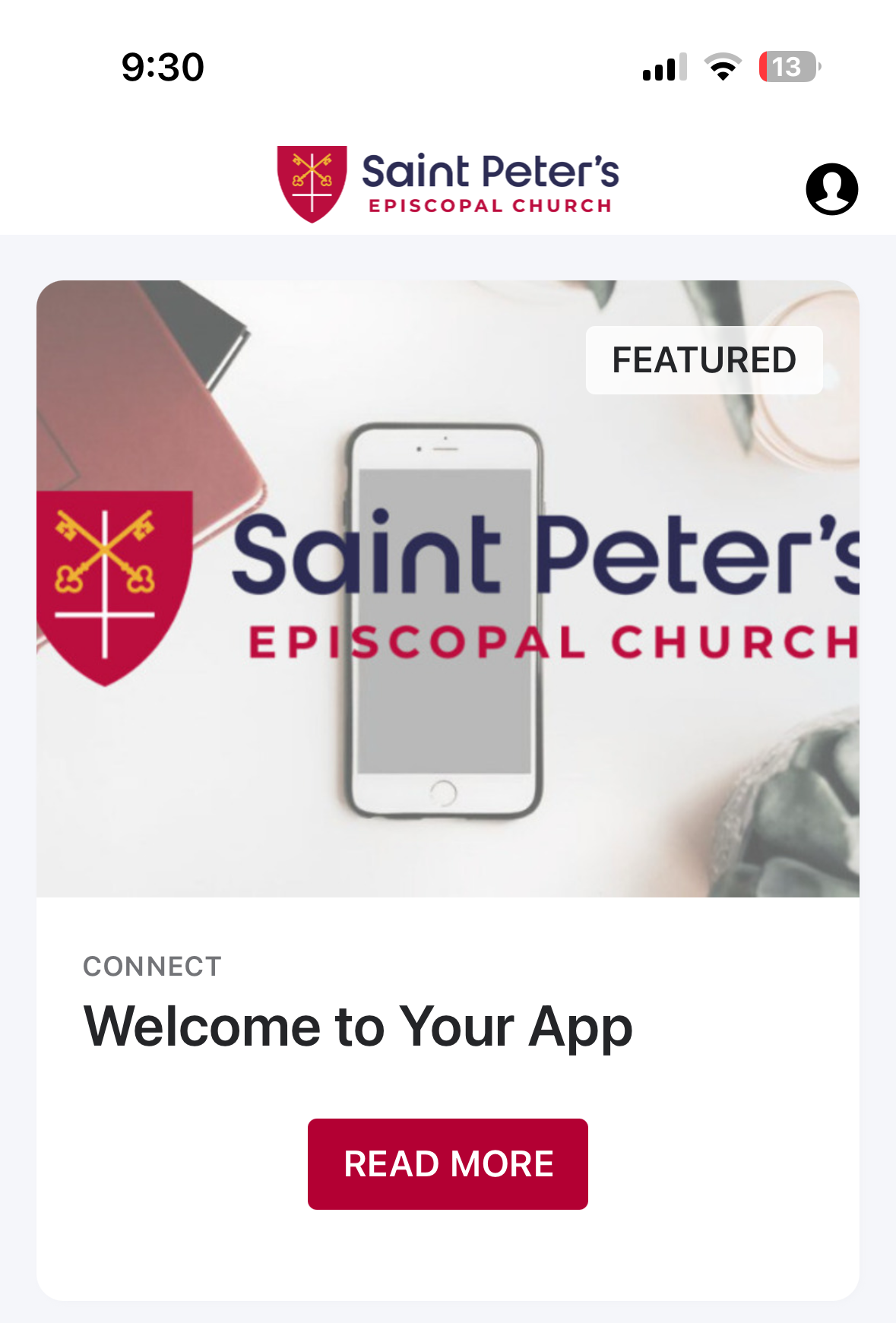
What You Can Do in the App
Worship and watch Access worship services, video content, and other parish resources from your phone.
Stay up to date See upcoming events, parish news, and timely announcements in one convenient place.
Give simply and securely Make a one-time gift or give regularly through an easy, secure mobile experience.
Stay connected during the week Keep Saint Peter’s close at hand with important updates and resources wherever you are.
A Closer Look
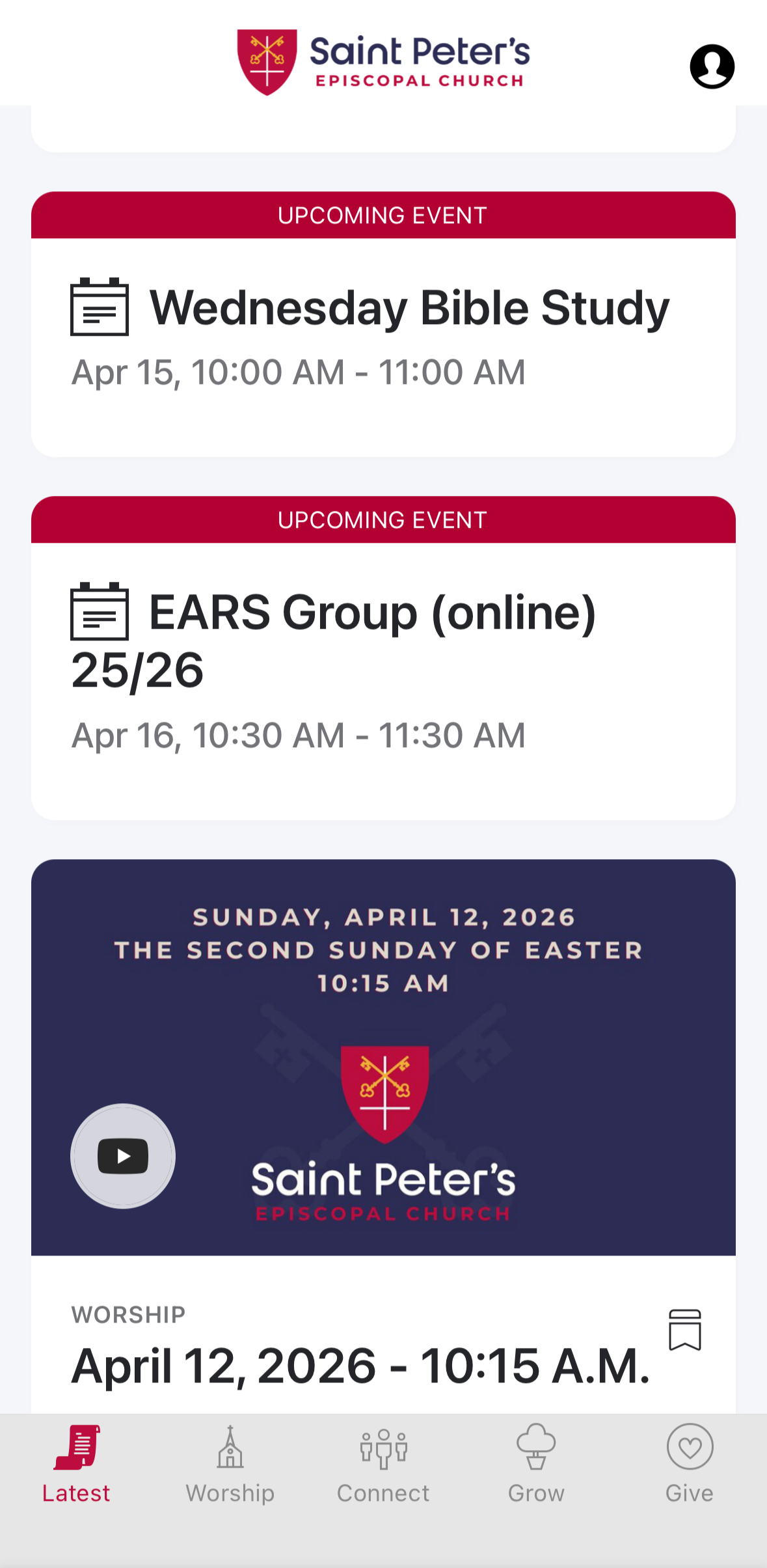
Home
Keep track of what is coming up in the life of the parish.
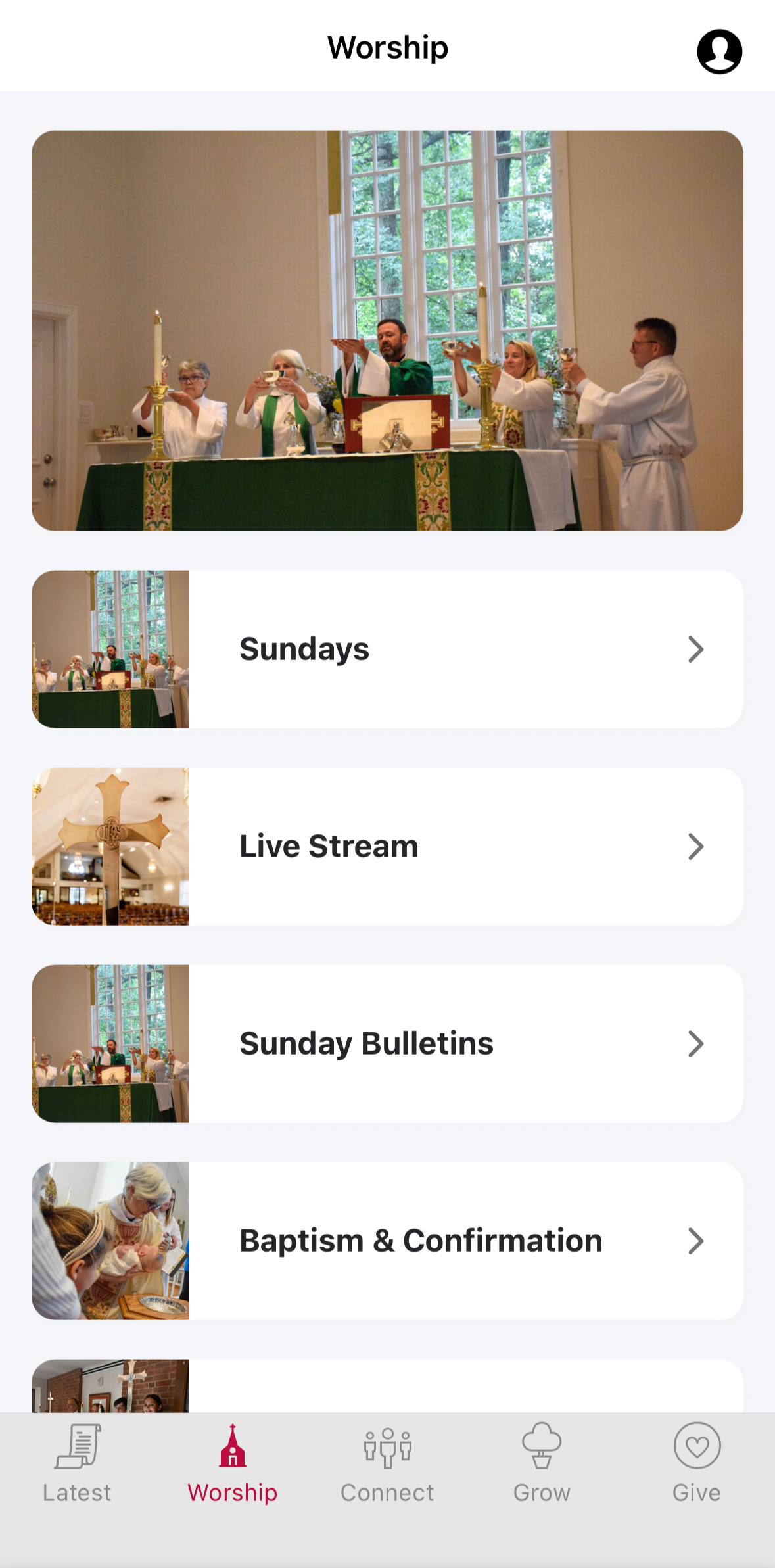
Worship
Watch services and access spiritual resources on the go.
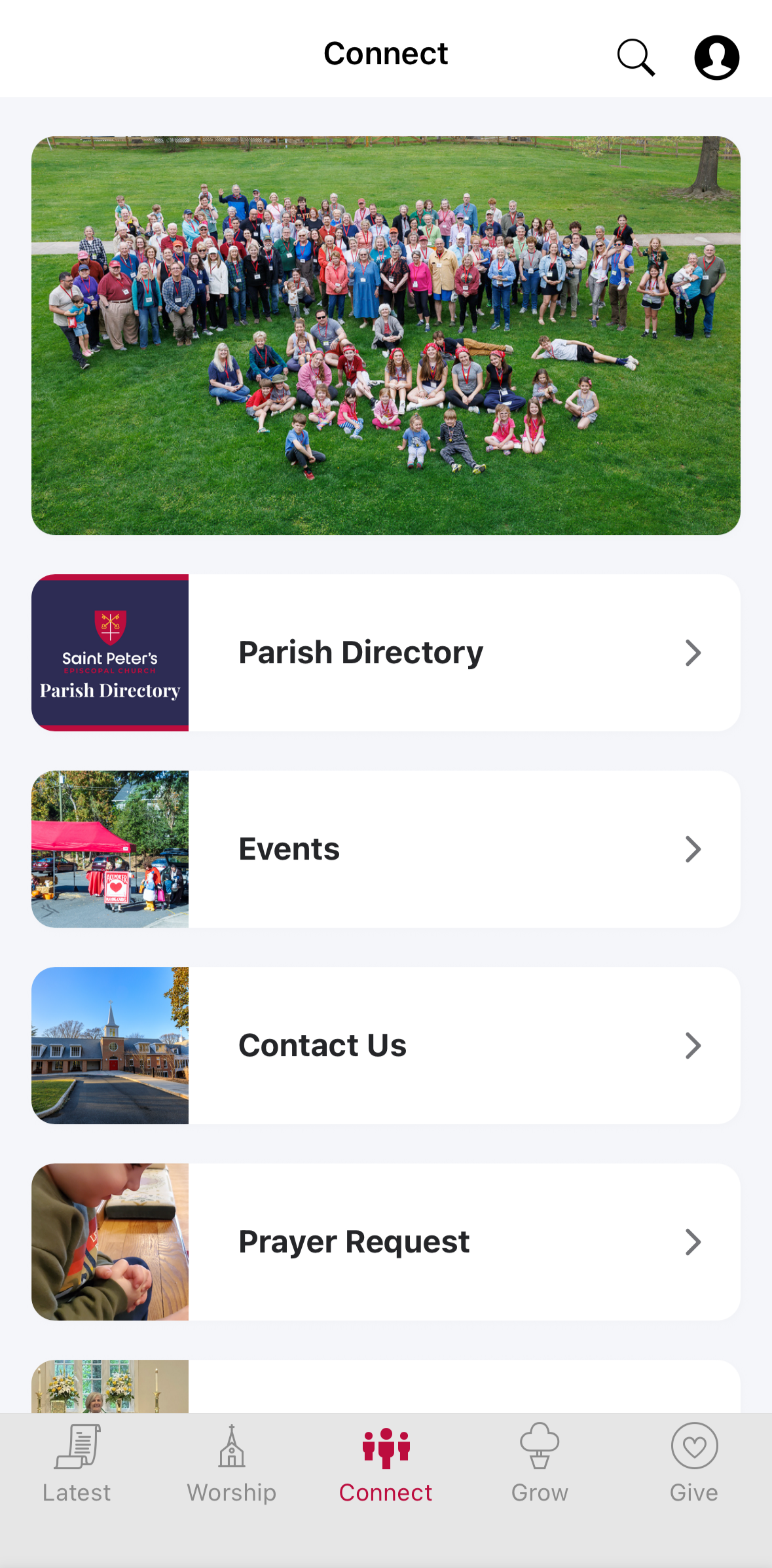
Member Directory
Stay connected with other members.
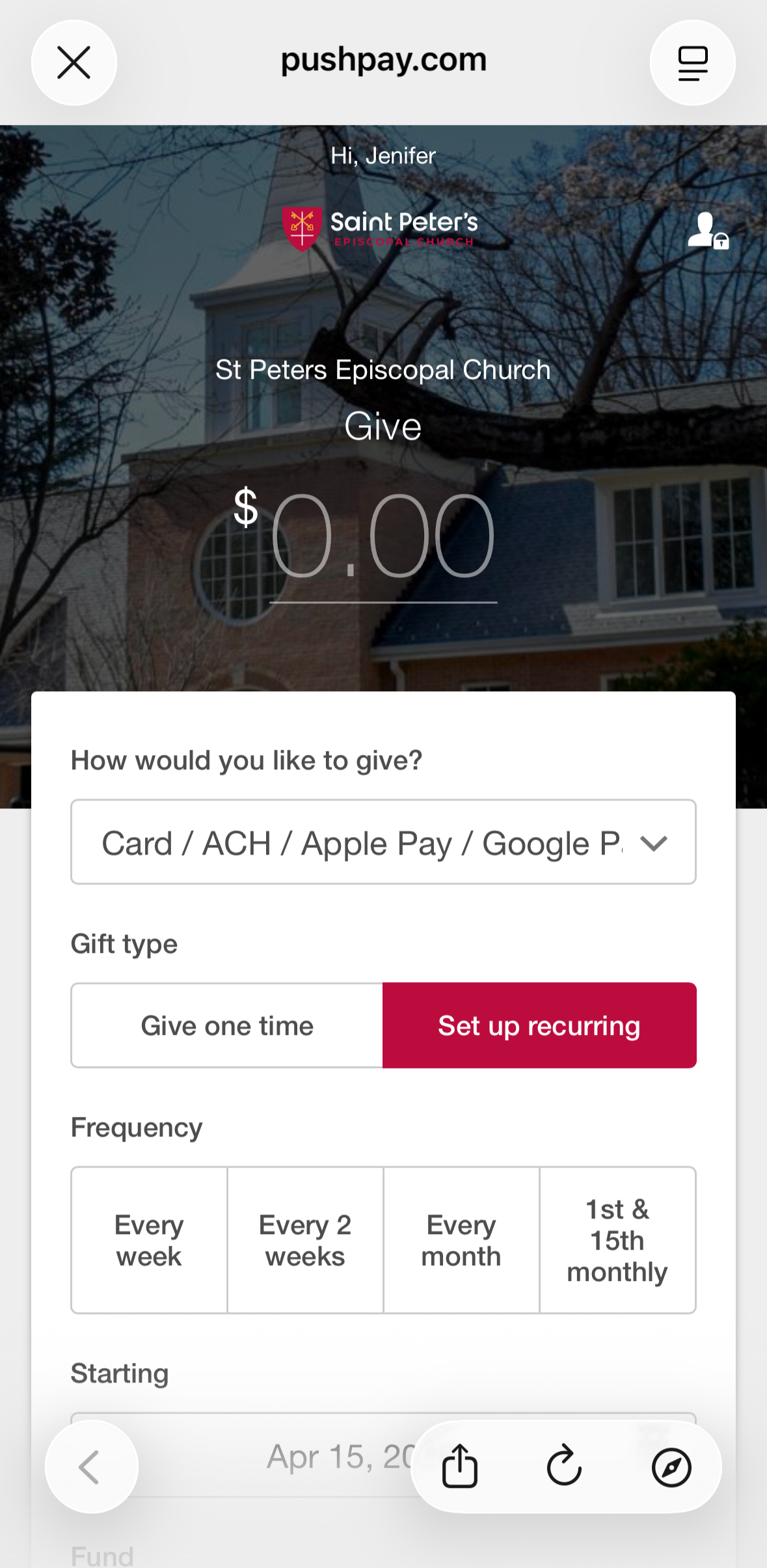
Giving
Make a secure gift in just a few taps.
Frequently Asked Questions
Is the app free?
Yes. The Saint Peter’s app is free to download and use.
Where can I download it?
You can download it from the App Store or Google Play using the buttons above.
What can I do in the app?
You can access worship content, parish updates, events, and giving, all from your phone.
Do I need to create an account?
Some features may be available right away, while others may ask you to sign in or create an account.
Is online giving secure?
Yes. Giving through the app is designed to be simple and secure.
More about downloading the Saint Peter’s App:
Go to your smart device’s app store (Apple, Google, etc.)
Search for “Saint Peter’s Arlington”
Download the app.
Open the app and sign in.
If not automatically prompted, you can click on the profile icon in the top right of the app screen.
Then click “Sign In or Register” and follow the prompts. Using the same phone number as your current Pushpay/CCB account will create a profile linked to your current Pushpay/CCB member account.
Stay connected with Saint Peter’s
Wherever the week takes you, the Saint Peter’s app helps you remain connected to worship, community, and the life of the parish.